{{Camster}} รีวิวปี 2026

Camster Review: Interactive Cam2Cam Shows and VIP Access Across Show Types
What Is Camster?
Camster puts its Cam2Cam functionality front and centre, dedicating most of its on-page content to explaining how viewers can share their own webcam feed with performers. The page opens with detailed browser guidance for Chrome, Firefox, Safari, Edge and Opera, plus mobile instructions for iOS and Android, which signals that two-way interaction is treated as the core viewing experience rather than an afterthought.
The site distinguishes between registered members and VIP members. Registered users can activate Cam2Cam inside private shows only, while VIP status extends the feature to party, group and even free public chat, excluding voyeur rooms. VIPs also avoid restarting their Cam2Cam session when switching between show types, and the membership advertises chat room perks, product discounts and unlimited access to recorded shows.
Show types and browsing
Categories are organised by gender across Live Girls, Live Guys and Live Trans rooms, with sort and filter controls available on the main directory. Show formats mentioned on the page include private, party, group, voyeur and free public chat, giving viewers several ways to engage before committing credits.
Camster is transparent about limitations. It flags known iOS 14 microphone problems and iOS 15.1 connectivity issues, and states clearly that Cam2Cam is not available on mobile devices. Audio support depends on the individual model, and other customers in a room may still hear a viewer through the model's own microphone, which is a useful privacy note.
คุณสมบัติสำคัญ
ข้อดีและข้อเสีย
สิ่งที่เราชอบ
- Cam2Cam is free to use and integrated directly into the page without pop-up blockers
- VIP members can activate Cam2Cam in party, group and free public chat rooms
- Detailed browser setup guides for Chrome, Firefox, Safari, Edge and Opera
- Multiple show formats including private, party, group, voyeur and free public chat
- Transparent notices about iOS compatibility issues
สิ่งที่อาจดีกว่านี้
- ไม่สามารถใช้ cam2cam บนอุปกรณ์มือถือได้
- Regular registered users are restricted to Cam2Cam in private shows only
- Audio support during Cam2Cam depends on the individual model
Who Is Camster For?
- Viewers who want to share their own webcam with performers during private sessions
- Viewers who plan to upgrade to VIP for Cam2Cam access across party, group and public chat
- Viewers who prefer browsing on desktop rather than mobile for interactive features
🏁 คำตัดสินขั้นสุดท้าย
Camster reads as a platform built around interactive private sessions, with Cam2Cam elevated from a novelty to the main selling point. The tiered access model gives casual users a taste and pushes engaged viewers towards VIP for broader use across show types. Honest disclosures about iOS bugs and mobile Cam2Cam limits are a plus.
It suits desktop viewers who want two-way webcam interaction and are willing to upgrade to VIP for full access across party, group and public chat rooms.
TRY CAMSTER NOW →Frequently Asked Questions about Camster
What is Cam2Cam on Camster?
Can I use Cam2Cam on my phone?
What does VIP membership add?
Are there iOS issues I should know about?
What show formats are available?
Alternatives to Camster



.webp)
.png)
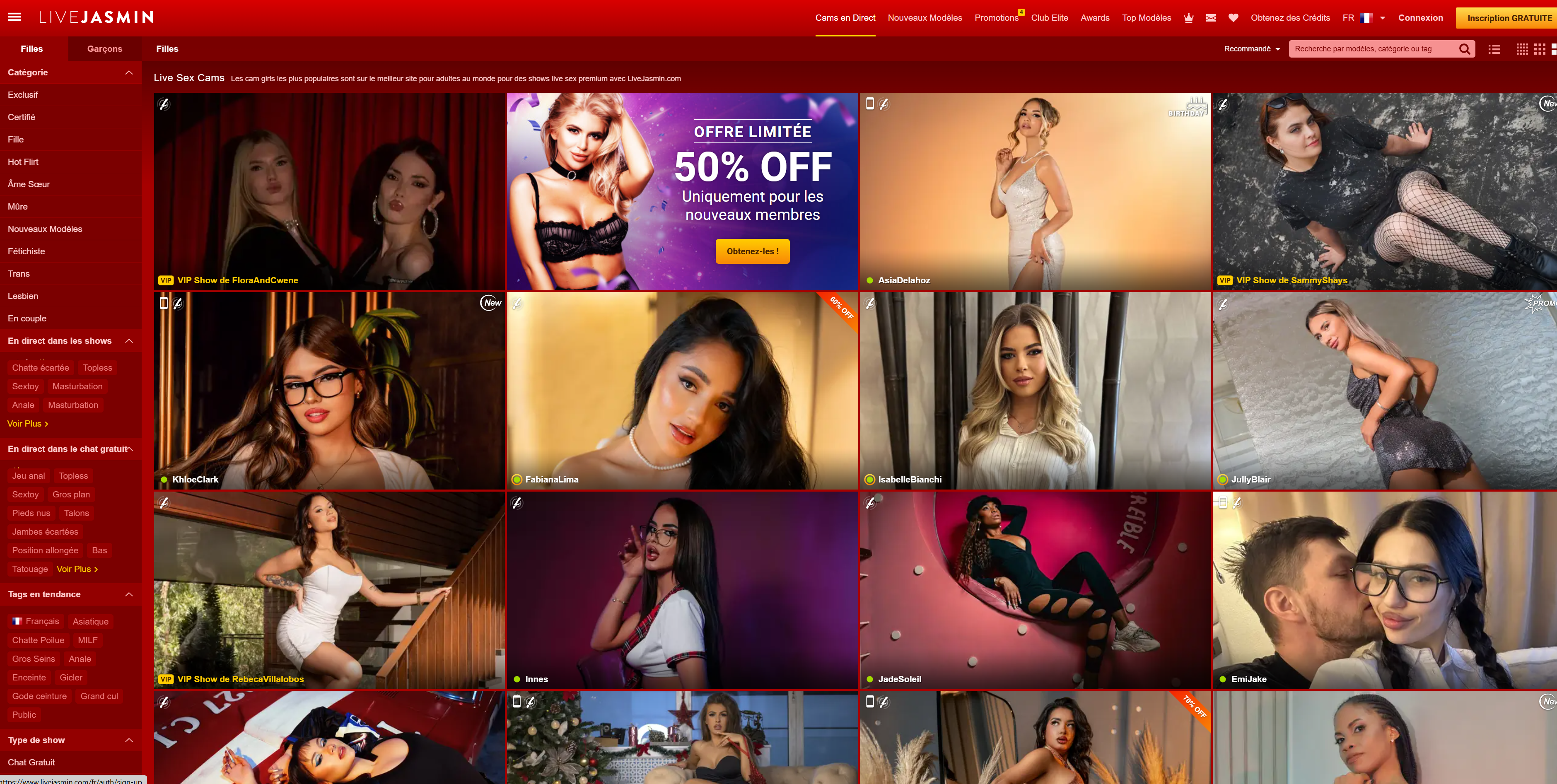





Models are live on Camster right now
การแสดงสาธารณะสามารถรับชมได้ฟรี, เข้ามาดูสิว่าชอบหรือไม่
รับชมถ่ายทอดสดเลย →